Jimaku in the YouTube app

Subtitles, the menu and your Premium minutes, in the YouTube app on Android.

Add to Morphe

Steps

  1. Install Morphe Manager.

    morphe.software
  2. Tap Add to Morphe, then Add.

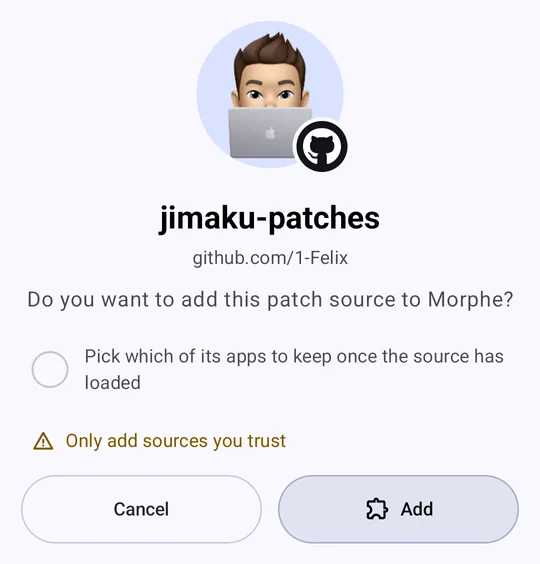
    Add to MorpheMorphe Manager asks “Do you want to add this patch source to Morphe?” for jimaku-patches, with Cancel and Add.
  3. Turn on Expert mode in Manager’s settings.
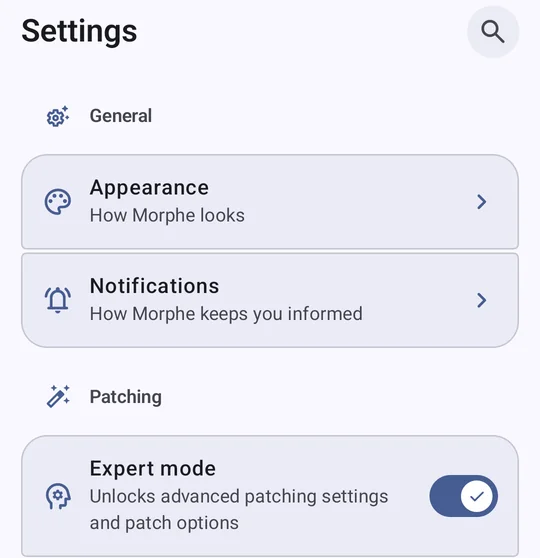
    Manager’s settings, with Expert mode switched on under Patching.
  4. Patch YouTube with Morphe’s patches and Jimaku together.
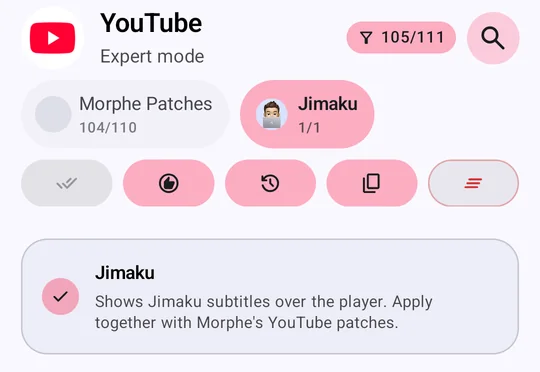
    Patching YouTube in Expert mode, with both sources picked: Morphe Patches and Jimaku.
  5. Open a video and tap Jimaku’s button.
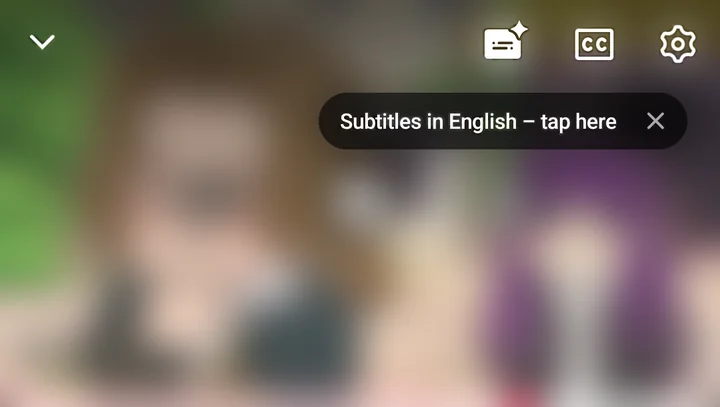
    The YouTube player with Jimaku’s button beside CC, and the hint “Subtitles in English – tap here” under it.